What Is a No-KYC Virtual Card and How Does It Work?
A no-KYC virtual card is a prepaid Visa or Mastercard you open without ID documents and fund with crypto. Here is how it works, what it costs and where its limits are.
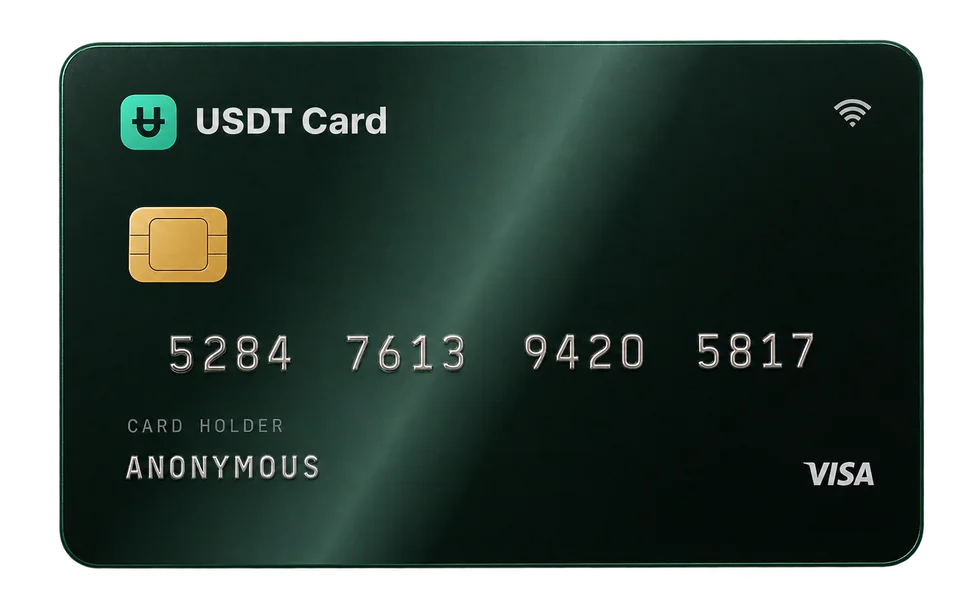
A no-KYC virtual card is a prepaid Visa or Mastercard that you can open without uploading an ID, a selfie or a proof of address. You load it with cryptocurrency, the provider converts that into a spendable balance, and you get a card number, expiry date and CVV that work wherever the card network is accepted online or through a mobile wallet.
What "KYC" means, and what "no KYC" changes
KYC stands for "know your customer". In card and banking products it usually means identity verification: you photograph a passport or ID card, take a selfie, and sometimes upload a utility bill to prove your address. The provider checks those documents before you can use the account.
A no-KYC card skips that onboarding step. You don't submit identity documents to open the account. That is the whole definition: it describes how the account is opened, not what you're allowed to do with it. The card still runs on the Visa or Mastercard network, merchants still see a normal card payment, and the usual rules of the merchant, the network and the law where you live still apply. "No KYC" does not make anything legal that otherwise isn't.
What you still provide
Even without identity documents, a provider needs some way to secure your account. At USDT Crypto Card that means:
- A seed phrase. Your account is identified by a code in the format
xxxx-xxxx-xxxx-xxxx, generated when you sign up. It acts as your login, so you keep it private. - A confirmed email address. You confirm an email before your first deposit or card. It is used for receipts, security alerts and account recovery, not as an identity check.
- Optional two-factor authentication. You can add an authenticator app and backup codes for a second layer of protection.
If you want to go deeper on that setup, read how to secure a crypto card account with a seed phrase and 2FA.
How a crypto-funded virtual card works, step by step
The mechanics are similar across most crypto card services. Here is the flow on USDT Crypto Card.
1. Create an account
You sign up and receive your seed phrase. There's no document upload and no approval queue. You then confirm an email address, which you need before you can deposit or issue a card.
2. Deposit crypto
You choose an asset and send it to the deposit address shown in the dashboard. The service accepts 10 assets: Bitcoin, Ethereum, Solana, USDT, BNB, TRON, Polygon, Litecoin, Avalanche and Arbitrum. Once the network confirms the transfer, the deposit is converted to USDT (ERC-20) and credited to your account balance. You can see the full list of assets and networks in the funding section.
Because the balance is held in USDT, a stablecoin pegged to the US dollar, it doesn't swing with the price of Bitcoin or Ether after the deposit is converted.
3. Issue a card
From the balance, you issue a virtual card. You choose a network (Visa or Mastercard) and a BIN, which is the first six digits of the card number. Different BINs suit different kinds of merchants; there are 9 to choose from. The default name on the card is "Anonymous". Our guide on what a BIN is and why it changes approval rates explains how to pick one.
4. Load and spend
You move money from your account balance onto the card, and then use the card number at checkout. Cards can also be added to Apple Pay or Google Pay so you can tap to pay in physical stores. When a card runs low, you can top it up again from your balance.
5. Manage cards
In the dashboard you can freeze and unfreeze a card, see its transactions, and delete it. When you delete a card, the remaining balance returns to your account. The same lifecycle is available over a REST API for people who manage many cards.
Why people choose a no-KYC crypto card
There are a few common, legitimate reasons:
- Privacy. Some people simply don't want to hand identity documents to yet another online service, or store copies of their passport on a third-party server.
- Spending crypto without selling it through a bank. A card lets you use stablecoins directly at merchants that accept cards, without first withdrawing to a bank account.
- Separating spending. Virtual cards are cheap to create, so you can keep one per subscription, project or ad account, and freeze or delete it independently.
- Speed. With no document review, you can go from sign-up to a working card number in minutes, network confirmation times permitting.
Limits and trade-offs to know about
A no-KYC card is not a bank account, and it helps to be clear about what it is not.
Spending limits
Most providers cap spending on unverified accounts. On USDT Crypto Card, the Virtual plan allows up to $5,000 per transaction and $20,000 per month. The Platinum plan, which is unlocked by a single deposit of $300 or more, removes those spending limits and adds the option of a physical card and priority support. Current values are on the pricing section.
Prepaid, not credit
You can only spend what you've loaded. There is no credit line, no overdraft and no interest. That also means a card can't be charged beyond its balance.
Merchant acceptance varies
A card being Visa or Mastercard doesn't guarantee every merchant will approve every payment. Merchants run their own risk checks, and some decline prepaid cards in general. Choosing a suitable BIN helps, but no provider can promise a 100% approval rate.
Refunds go back to the card
If a merchant refunds a purchase, the money returns to the card it was charged on. Keep cards active until refunds you expect have arrived.
What it costs
Fees differ between providers, so always compare the full picture: the cost to create a card, the cost to fund it, and the cost per payment. On USDT Crypto Card:
| Fee | Amount |
|---|---|
| Issuing a card | $1 per card |
| Approved card transaction | $0.30 |
| Declined transaction | Free |
| Deposit under $300 | 2% |
| Deposit of $300 or more | 0% |
| Topping up an existing card from your balance | No fee ($10 minimum) |
Blockchain network fees for sending your crypto are paid to the network, not to the card provider, and they vary with congestion. Our guide to crypto card fees walks through worked examples.
Is a no-KYC card legal?
Opening an account without identity documents is a product choice made by the provider. Whether a particular use is legal depends on where you live and what you buy, exactly as it would with any other card. You remain responsible for your taxes and for following local law, and the card's terms prohibit illegal activity. If you're unsure about your situation, ask a qualified local adviser.
Frequently asked questions
Do I need an ID to get a no-KYC virtual card?
No. On USDT Crypto Card you don't upload an ID, a selfie or a proof of address. You sign in with a seed phrase and confirm an email address before your first deposit or card.
Can I use a no-KYC virtual card in physical stores?
Yes, through a mobile wallet. Add the card to Apple Pay or Google Pay and tap to pay at contactless terminals. Platinum users can also order a physical card.
What happens to my crypto when I deposit it?
Each deposit is converted to USDT (ERC-20) once the network confirms it, and the result is credited to your account balance. You then load cards from that balance.
Is "anonymous" the same as "no KYC"?
Not exactly. "No KYC" means you don't submit identity documents to open the account. Card payments still go through the card network and the merchant, and the default holder name on the card is "Anonymous".
How many cards can I have?
You can hold up to 20 cards at the same time and give each its own purpose, for example one per subscription or project.