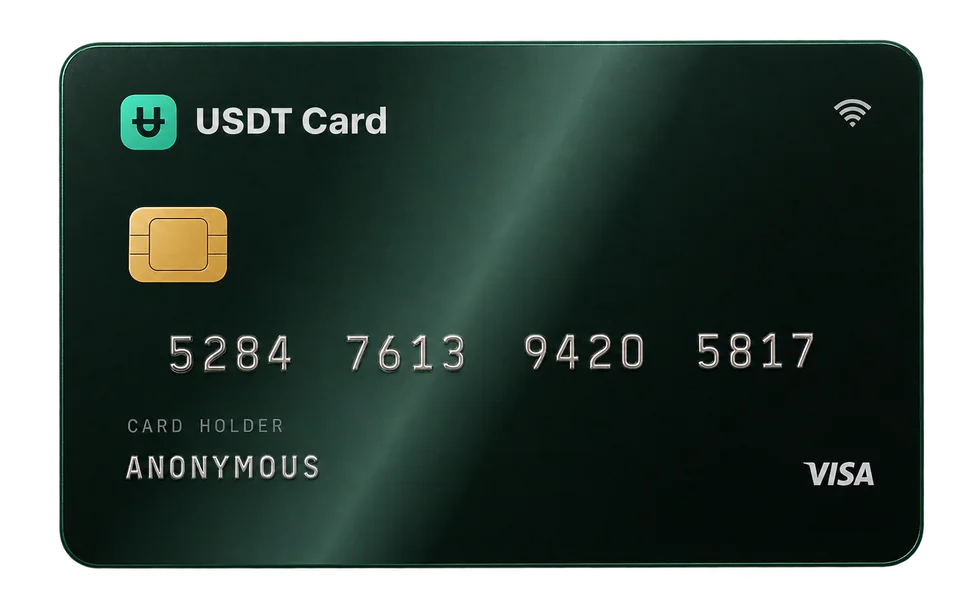
What Is a BIN Number and Why It Changes Card Approval Rates
A BIN is the first six digits of a card number and identifies the issuer and card type. Learn how merchants use BINs, why approval rates differ, and how to choose one.
A BIN, or Bank Identification Number, is the first six digits of a payment card number. It tells the merchant and the payment network which institution issued the card, which network it runs on (for example Visa or Mastercard), and often the card's type and tier. Because merchants feed the BIN into their fraud and risk checks, two cards with the same balance can be approved differently depending on their BIN.
What a BIN contains
Card numbers follow an international standard (ISO/IEC 7812). The digits are structured, not random:
- The first digit is the Major Industry Identifier. Visa cards start with 4, and Mastercard cards usually start with 5 or 2.
- The first six digits together form the BIN, also called the Issuer Identification Number (IIN). The standard has been moving to eight-digit BINs, but six is still the figure most people use.
- The remaining digits identify the individual account, and the last digit is a checksum used to catch typing errors.
From a BIN, a merchant's systems can usually look up:
- the card network (Visa, Mastercard, and so on);
- the issuing institution;
- the country of issue;
- whether the card is credit, debit or prepaid;
- the product tier, such as classic, business or signature.
A BIN does not reveal who you are. It describes the card product, not the cardholder.
Why the BIN affects approval rates
When you pay online, the merchant and its payment processor make a risk decision in a fraction of a second. The BIN is one of the earliest and most heavily weighted inputs, because it describes what kind of card is being used before anything else is known.
Merchant rules
Merchants set their own policies. Some decline all prepaid cards. Some accept prepaid cards for one-off purchases but not for subscriptions. Some limit cards issued outside the country they operate in. All of these decisions key off the BIN.
Fraud models and history
Payment processors look at how cards from a BIN range have behaved in the past at that merchant and across their network. If a BIN range has a history of chargebacks at a merchant, that merchant may treat new cards from the range more cautiously.
Product tier and use case
Some card programs are set up for particular kinds of spending. A program designed for recurring billing behaves well with subscriptions; one designed for higher-value purchases may be treated more favourably at travel or marketplace checkouts; one built for mobile wallets is more likely to be accepted by Apple Pay and Google Pay.
Mobile wallet tokenization
Adding a card to Apple Pay or Google Pay requires the card program to support tokenization in that wallet. Support varies by BIN, which is why the right BIN matters if you plan to add your card to a mobile wallet.
How to choose a BIN
USDT Crypto Card lets you choose from 9 BINs across Visa and Mastercard when you issue a card. They're grouped by what they work best for:
| Use case | What the BINs are built for |
|---|---|
| Advertising | Ad platforms such as Meta, Google and TikTok |
| Everyday and online shopping | Broad acceptance for daily purchases, e-commerce and marketplaces |
| High-ticket purchases | Travel, marketplaces and larger checkouts |
| Mobile wallets | Apple Pay and Google Pay compatibility |
| SaaS and subscriptions | Recurring charges, hosting, cloud and business billing |
You can see each BIN, its network and its intended use in the cards section.
A simple approach:
- Match the BIN to the main merchant type you'll use the card with.
- Keep separate cards for separate uses. A subscriptions card and an ads card can sit on different BINs.
- If a merchant declines, try another BIN suited to the same purpose. Cards cost $1 to issue and declined transactions are free, so a second attempt is inexpensive.
- Stick with what works. Once a BIN is approved reliably at a merchant, keep using it there.
What a BIN can't fix
Choosing a good BIN improves your odds, but it can't override everything:
- A merchant that refuses all prepaid cards will decline any prepaid BIN.
- Address and name checks at some merchants can fail if details don't match what they expect.
- Insufficient balance on the card will cause a decline regardless of the BIN. Keep a buffer for authorization holds.
- Spending limits on your plan still apply. On the Virtual plan, that's up to $5,000 per transaction and $20,000 per month. Platinum has no spending limits.
- Merchant terms still apply. A BIN is not a way around a platform's rules or a ban, and using cards to evade them breaches those platforms' terms.
How to look up a BIN
Many free online BIN lookup tools will show the network, issuer type, country and tier for a six- or eight-digit prefix. They're handy for understanding a card you already have. Keep in mind that lookup databases vary in accuracy and freshness, and never paste a full card number into a lookup site; the first six digits are all a BIN lookup needs.
BINs and privacy
Because a BIN identifies a card product rather than a person, sharing it doesn't expose your identity. The full card number, expiry date and CVV are what need protecting. Treat them like cash, and freeze a card from your dashboard if you think its details have leaked.
A worked example
Say you plan to use cards for three things: a few software subscriptions, online shopping, and paying in cafés with your phone.
- For the subscriptions, issue a card on a SaaS and subscriptions BIN. Recurring billing is what those programs are set up for.
- For online shopping, issue a card on an everyday and online shopping BIN, which aims for broad acceptance at marketplaces and retailers.
- For cafés, issue a card on a mobile wallet BIN and add it to Apple Pay or Google Pay.
That's three cards for $3 in issuance fees, each with its own balance and its own transaction history. If the online shop declines your card, you can issue one more on the other shopping BIN and try again, without touching the other two. If you're new to the idea of crypto-funded cards in general, start with what a no-KYC virtual card is.
Frequently asked questions
What is a BIN number on a card?
It's the first six digits of the card number. It identifies the issuing institution, the network and usually the card's type and tier.
Does a BIN reveal my identity?
No. A BIN describes the card product, not the person holding it.
Why was my card declined when it has money on it?
The merchant's risk rules may not accept that BIN, for example because it's a prepaid card or issued in a different country. Issuing a card on a different BIN suited to that type of merchant often helps.
How many BINs does USDT Crypto Card offer?
Nine, across Visa and Mastercard, grouped by use case: ads, everyday and online shopping, high-ticket purchases, mobile wallets and SaaS or subscriptions.
Are BINs always six digits?
Six is the traditional length. The industry has been moving to eight-digit BINs, but most people and tools still refer to the first six digits.