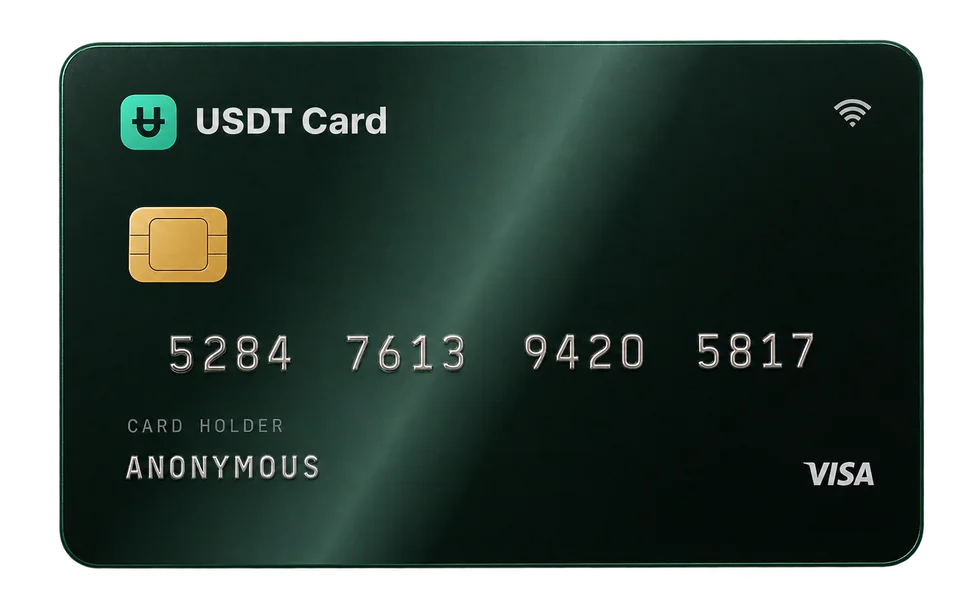
Solana Card: How to Spend SOL with a Virtual Card
A Solana card turns SOL into a dollar balance you spend with a virtual Visa or Mastercard. The steps, fees, confirmation times and mistakes to avoid with SOL.
A Solana card lets you spend SOL anywhere Visa or Mastercard is accepted online. You send SOL to the card provider, it's converted into a US dollar balance, and you pay with a virtual card number. Because Solana transfers usually confirm quickly and cheaply, it's one of the more convenient coins for funding a card.
Why use a Solana card
SOL is widely held, but almost no online shop accepts it directly. A Solana card solves that by turning SOL into card money:
- Spend SOL at regular merchants that take Visa or Mastercard, without the merchant touching crypto.
- No bank account in the middle. SOL goes from your wallet to the card provider, not through an exchange withdrawal to a bank.
- Fast funding. Solana typically confirms transactions within seconds, so a deposit can be credited soon after you send it.
- Low transfer costs. Solana network fees are usually a small fraction of a dollar, though they can rise during heavy congestion.
How to spend Solana with a virtual card
Here is the process on USDT Crypto Card.
1. Create an account and confirm your email
Sign up to get your seed phrase in the format xxxx-xxxx-xxxx-xxxx. It is your login, so store it securely. No ID documents or selfie are needed. Confirm an email address, which is required before depositing or issuing cards, and enable two-factor authentication if you want an extra layer of protection.
2. Create a SOL deposit request
Choose SOL in the deposit screen and enter the dollar amount. You'll see the exact SOL amount to send, based on the exchange rate at that moment, plus a deposit address and QR code. The request expires after 1 hour.
3. Send SOL from your wallet
Send from a Solana wallet such as a browser or mobile wallet, or withdraw from an exchange on the Solana network.
- Send native SOL, on Solana. Don't send SOL on another chain, and don't send other Solana tokens to the SOL address unless the deposit screen lists them.
- Paste or scan the address, then double-check the start and end of it.
- Send the exact amount. If your exchange subtracts its withdrawal fee from what you send, add it so the right amount arrives.
4. Get credited
After the network confirms the transaction, the deposit is converted to USDT (ERC-20) and added to your balance, which is held 1:1 with the US dollar.
5. Issue a card and pay
Create a virtual Visa or Mastercard, choose one of 9 BINs, and load at least $50. Then pay at checkout with the card number, expiry date and CVV, or add the card to Apple Pay or Google Pay for in-store payments.
Sending from a wallet vs from an exchange
You can fund a Solana card from either a self-custody wallet or an exchange account. Each has trade-offs:
- Self-custody wallet. You control the keys and pay only the Solana network fee. The transaction usually confirms quickly, and you can see its signature immediately in a block explorer. Keep a small amount of SOL in the wallet for future fees.
- Exchange withdrawal. Convenient if your SOL already sits on an exchange. Exchanges usually charge their own withdrawal fee, may take a while to process the withdrawal before it reaches the blockchain, and sometimes ask you to pick a network from a list. Pick Solana.
Whichever you use, the 1-hour window on the deposit request starts when you create it. If your exchange tends to hold withdrawals for review, check its usual processing time first, have the SOL ready in your account, and create the request only when you're about to send.
What happens to your SOL after you deposit
Your SOL is converted to USDT when it's credited. That has two consequences:
- Price exposure ends at deposit. If SOL doubles or halves the next day, your card balance doesn't change.
- Spending is in dollars. A $25 subscription costs $25 of balance plus the $0.30 approved transaction fee.
If you want to keep holding SOL for the long term, deposit only what you plan to spend in the near future. The conversion mechanics are explained in how a card top-up converts crypto to dollars.
Solana card fees
| Cost | Amount |
|---|---|
| Solana network fee | Usually very low; set by the network and varies |
| Exchange withdrawal fee | Set by your exchange, if you send from one |
| Deposit fee | 2% under $300, 0% at $300 or more |
| Card issuance | $1 per card |
| Top-up from balance | Free, minimum $10 |
| Approved transaction | $0.30 |
| Declined transaction | Free |
Because Solana's network fee is usually so small, the deposit fee is the main variable. One deposit of $300 or more pays no deposit fee and unlocks the Platinum plan, which removes the Virtual plan's limits of $5,000 per transaction and $20,000 per month. See crypto card fees explained for worked examples.
SOL compared with other ways to fund a card
| Funding asset | Typical speed | Typical network cost | Price risk while in transit |
|---|---|---|---|
| SOL | Seconds | Very low | Yes, until credited |
| USDT (ERC-20) | Minutes | Varies with Ethereum gas, can be high | No |
| BTC | ~10 minutes per block on average, often longer | Varies with congestion | Yes, until credited |
| POL, ARB, TRX | Usually fast | Usually low | Yes, until credited |
These are general characteristics of each network, not guarantees; fees and timing change with demand. For bitcoin specifically, see our bitcoin card guide. All 10 supported assets are listed in the funding section.
Mistakes to avoid with SOL deposits
- Wrong token. Sending a different Solana token (an SPL token) to the SOL deposit address instead of SOL.
- Wrong chain. Withdrawing "SOL" from an exchange on a non-Solana network.
- Expired request. Sending more than an hour after creating the deposit request.
- Short deposit. An exchange fee reducing the amount that arrives.
- Leaving a wallet empty of SOL. If you send your entire SOL balance from a self-custody wallet, keep a little back for future fees.
If something doesn't arrive, open a support ticket in the dashboard and include the transaction signature.
Where a SOL-funded card works
Once loaded, the card behaves like any other virtual Visa or Mastercard:
- online stores and marketplaces;
- subscriptions and software (see disposable virtual cards for subscriptions);
- in-store payments with Apple Pay or Google Pay.
Merchants decide whether to approve each payment, and some decline prepaid cards. The BIN you choose can make a difference; what a BIN number is explains why.
Converting SOL can be a taxable event in some countries. This is not tax advice, so check your local rules.
Frequently asked questions
Can I spend Solana with a debit card?
Yes. A Solana card converts SOL into a dollar balance that you spend by Visa or Mastercard. On USDT Crypto Card the card is prepaid, so it spends only what you've loaded.
How fast is a SOL deposit?
Solana usually confirms transactions within seconds. Your balance is credited once the network confirms the transfer.
Can I send USDT on Solana instead?
Only send what the deposit screen lists, on the network it shows. On USDT Crypto Card, USDT deposits are on ERC-20; SOL deposits are native SOL on Solana.
Will my balance change if SOL's price changes?
No. SOL is converted to USDT when credited, so your card balance stays fixed in US dollars.
Do I need to verify my identity?
No ID documents or selfie are required. You sign up with a seed phrase and confirm an email address before depositing.